
You can stop the auto renew via the MyAliv App at any time between when they purchase a plan and when it auto renews. There is an auto renew on/off slide switch located on screen within the App. The customer should immediately receive an SMS confirmation that the auto renew feature has been turned off. If an SMS confirmation is not received the customer should call 611 from their device or send an email to customercare@bealiv.com. Once completed by Customer Care you will receive immediate confirmation that the request has been received and that the auto-renewal has been stopped.
Yes, the MyALIV app is available for download in the Google Play Store and Apple's App Store.
Once you enter your phone number & correct password, a code will be sent to your number to complete the sign-in process.
Your email address must be linked to your ALIV account as a security measure for double verification. Select the 'Forgot Password' and enter your phone number then click submit. (Phone number format 2428041234). A password reset confirmation will be sent to the email address linked to your ALIV account. Follow the steps outlined in the email to complete password reset.
If you need to update the email address linked to your ALIV account, call 611 or visit an ALIV store.
The double verification code adds an extra layer of security to your account by ensuring only you can access it, even if someone else knows your password.
Yes. The MyALIV app allows for tracking all plan and top-up usage, as well purchase history.
Yes. You can purchase plans or add-ons with secure credit/debit card checkout, or use available wallet credit. Try the auto-renew feature to stay connected to the people and things that matter to you.
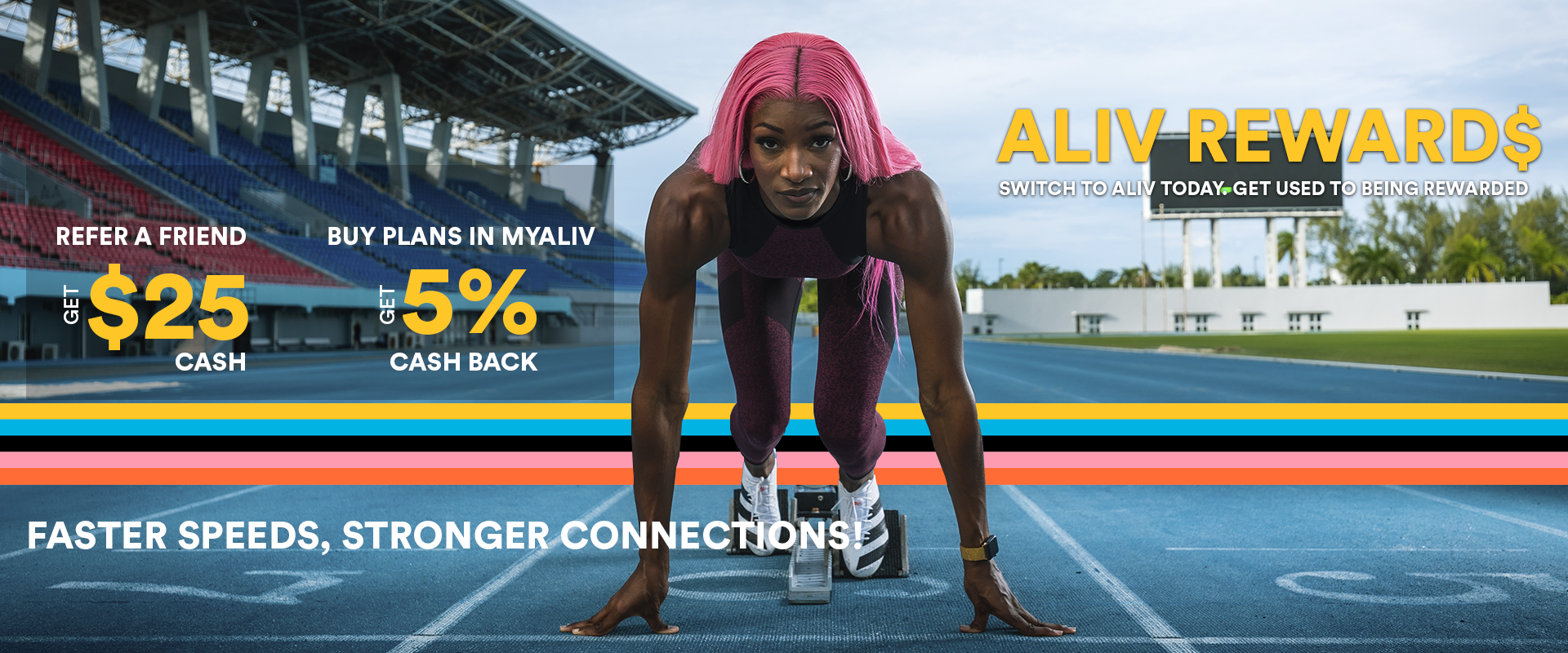
a. Select the hamburger menu.
b. Select the financial menu.
c. Select the "refer a friend option.
d. Enter the phone number you would like to refer.
e. Enter the email address of your referral.
f. Select the send option to confirm the referral.
g. The myAliv app will present a confirmation page.
h. An SMS and email will be sent to the phone number and email entered, with details to complete the referral and port-in.